
Warning signs your phone is hacked can appear quietly before anything serious happens.
Here are 7 signs to watch for — and what I did to fix it fast.
Most people think, “I’m not important enough to be targeted.”
I used to believe that too.
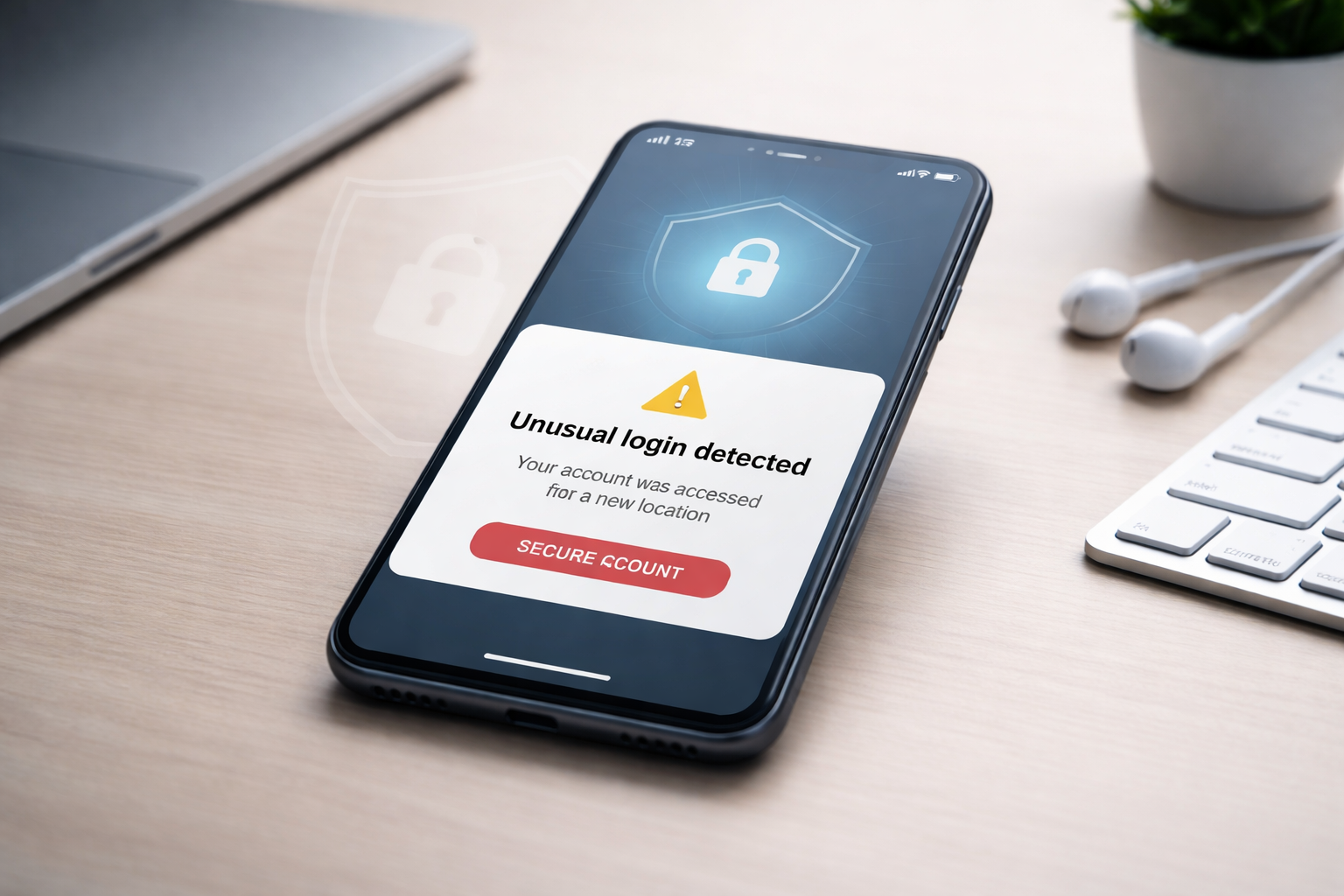
Then I got a login alert from a country I’ve never visited — on an old account I barely used.
No money disappeared. No files were wiped.
But it was enough to change my mindset.
Cybersecurity problems don’t always start with a huge disaster. They often start with small habits… until they’re not.
Why Phone Hacking Happens More Than People Think
Phone hacking isn’t always personal.
A lot of attacks are automated. Hackers scan the internet for easy targets: weak passwords, outdated phones, and risky apps.
They don’t care who you are. They care if you’re easy to access.
That’s why recognizing the warning signs your phone is hacked matters — it helps you act early.
Once you know the warning signs your phone is hacked, you can protect your accounts before real damage happens.
7 Warning Signs Your Phone Is Hacked
Not every weird behavior means “hacked.”
But if you notice multiple signs together, treat it seriously.
1) Your battery drains unusually fast
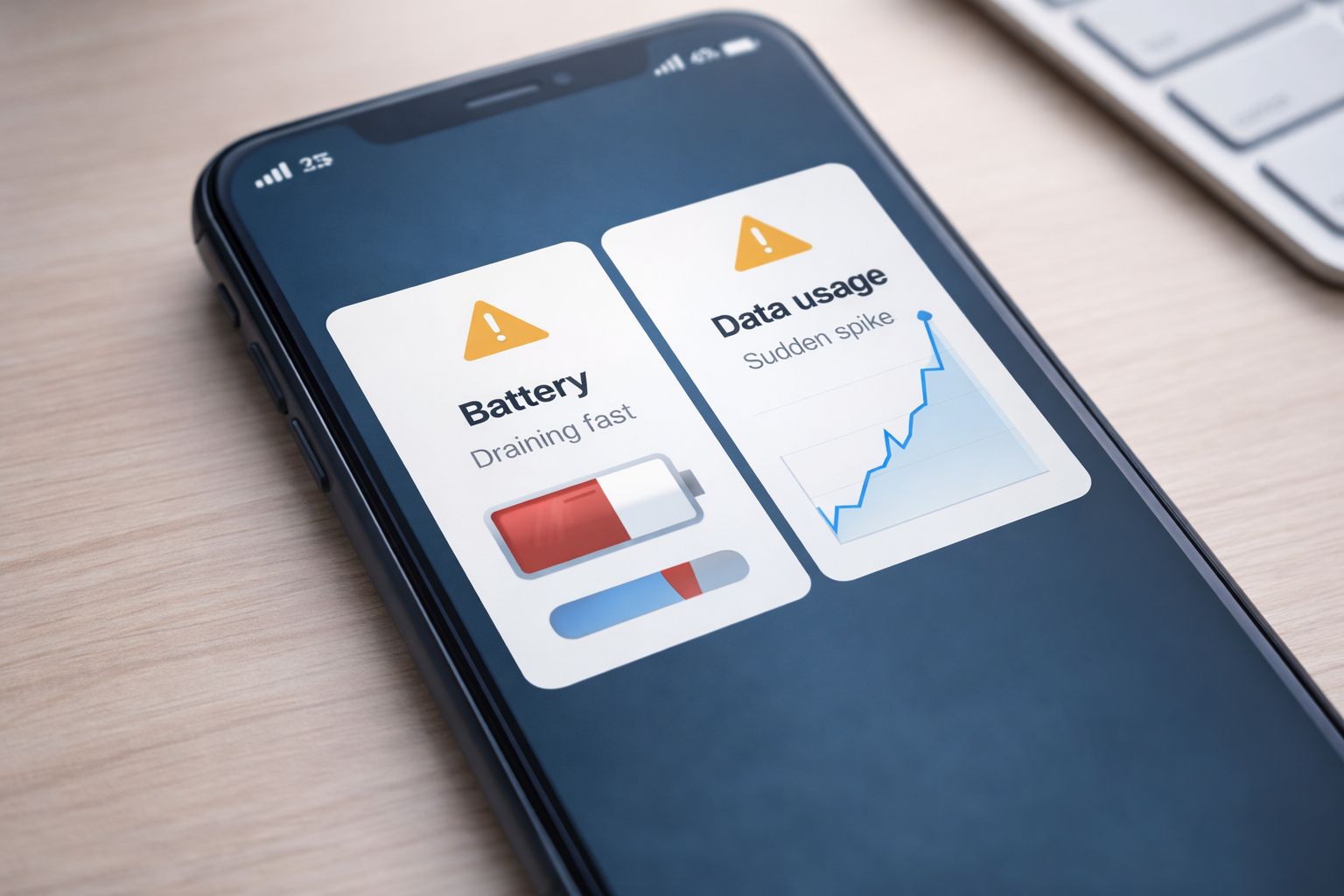
If your battery suddenly drops much faster than normal, even while your phone is idle, something may be running in the background.
2) Your phone overheats when you’re not using it
Overheating without heavy usage can be a sign of hidden activity like spyware, excessive tracking, or a compromised app.
3) Unknown apps appear (or apps disappear)
If you see apps you don’t remember installing, remove them. Also check if any app icons disappear or feel “different.”
4) You’re seeing pop-ups, ads, or redirects more than usual
Frequent pop-ups or sudden redirects can be caused by adware or risky browser behavior.
5) Your data usage suddenly spikes
One of the clearest warning signs your phone is hacked is unusual data activity.
Spyware often sends your data out quietly in the background.
6) Your phone becomes slow, crashes, or restarts randomly
Occasional lag is normal. But repeated crashes and random restarts can point to something deeper.
7) You get unusual login alerts or messages you didn’t send
If you receive verification codes you didn’t request, or your friends get strange messages from you, act immediately.
Quick rule:
If you notice 2–3 of these signs at the same time, don’t wait for proof. Start fixing it.
How to Fix It Fast (Step-by-Step)
Here’s the checklist I personally follow when I suspect something is wrong.
Simple steps. Big impact.
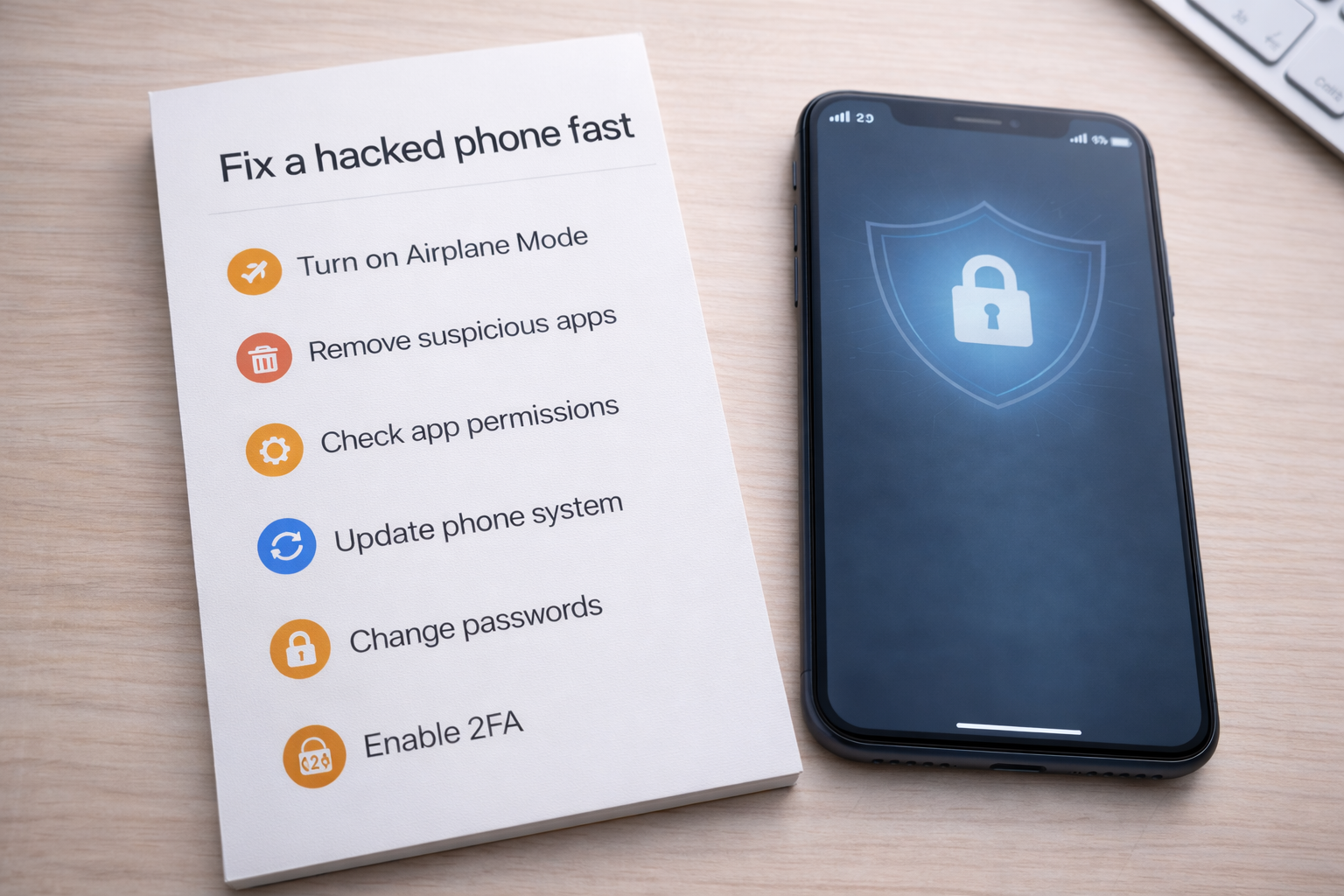
✅ Quick Fix Plan (10–30 Minutes)
- Turn on Airplane Mode (stop background connections)
- Remove suspicious apps (anything you don’t recognize)
- Check permissions (Accessibility + Device Admin)
- Update your phone (OS + browser)
- Secure your email first (change password + enable 2FA)
- Log out of all sessions on important accounts
- Change passwords for key accounts
- If issues continue: backup + factory reset
Step 1: Disconnect your phone quickly
- Turn on Airplane Mode.
- Disable Wi-Fi and Bluetooth.
This reduces risk immediately.
Step 2: Delete suspicious apps
Remove:
- Apps you don’t recognize
- Apps installed recently before problems started
- Apps with strange names or no clear purpose
Step 3: Check the most dangerous permissions
Look at:
- Accessibility access (high risk)
- Device Admin apps
- Apps with access to SMS, calls, notifications, camera, or mic
If an unknown app has powerful access, delete it immediately.
Step 4: Update your phone (this closes security holes)
- Update your operating system
- Update your browser
- Update your most-used apps
Step 5: Secure your email first (master key)
Your email controls password resets. If your email is compromised, everything else becomes easier to attack.
- Change your email password
- Enable 2FA
- Log out of all devices
Step 6: Change passwords for key accounts
Start with:
- Banking and payment apps
- Social accounts
- Messaging apps
- Cloud storage
Tip: Use a password manager to create unique passwords without memorizing them.
Step 7: Factory reset (only if issues persist)
If the strange behavior keeps coming back, a factory reset is the cleanest solution.
Back up important photos and files first.
How to Prevent It From Happening Again
You don’t need to be paranoid.
You just need habits.
- Use unique passwords, starting with email.
- Enable 2FA on important accounts.
- Turn on automatic updates.
- Disable auto-join public Wi-Fi networks.
- Install apps only from trusted sources.
- Review permissions every few months.
These steps remove the “easy wins” attackers look for.
Most people avoid hacks simply by learning the warning signs your phone is hacked and fixing the basics early.
A 5-Minute Security Check I Run Every Few Months
- I confirm my email password is unique.
- I check that 2FA is still enabled.
- I install any pending updates.
- I delete apps I don’t recognize or don’t trust.
- I make sure my phone isn’t auto-connecting to public Wi-Fi.
Small routine. Big protection.
Trusted External Sources
These official resources provide accurate security guidance:
Linking to trusted sources improves credibility and helps your content align with Google quality standards.
FAQ
How do I know if my phone is hacked?
Check for multiple warning signs like unusual battery drain, overheating, unknown apps, pop-ups, data spikes, and unexpected login alerts.
If you notice several warning signs your phone is hacked at the same time, start the quick fix checklist immediately.
Can public Wi-Fi hack my phone?
Public Wi-Fi can increase risk, especially with fake hotspots. Avoid sensitive logins and disable auto-join.
Should I use antivirus on my phone?
Security tools can help, but updates, permissions, and account protection usually matter more for everyday safety.
Should I factory reset my phone?
If suspicious behavior continues after removing apps and updating, a reset is the cleanest option.
Final Thoughts
Most phone hacks don’t look dramatic.
They start quietly.
If you noticed any warning signs your phone is hacked, don’t panic.
Follow the steps above and secure your email first.
Next step: Read one of the internal guides above to strengthen your protection even more.










1 Comment
[…] you’re also seeing strange behavior on mobile, it’s worth checking for signs your phone may be hacked, because compromised phones can silently give attackers access to your […]